
Business Plus package
A website with a CMS, so you manage your own content
Want a website with a CMS, so you can change texts, articles and pages yourself? With Business Plus you get your own content editor that I build to fit, with only what you need. Not WordPress with a pile of plugins, but a calm place to keep your own site up to date.
What you get
- Everything in Business, such as SEO per page, structured data, Search Console and Bing, and analytics without a cookie banner
- Up to about 20 pages
- Your own content editor (CMS), custom-built for your site
- Edit texts, articles and pages yourself
- A place for articles or a knowledge base
- The copy for launch, written together with you
- Extra languages at no extra cost
- Two feedback rounds, setting up your DNS once, and the launch
Not included
- Moving a lot of content from your old site, such as a blog archive
- Writing new articles after launch. You do that yourself, or with Care hours
- Guaranteed recovery of content you delete or overwrite yourself
- A logo, brand identity or photo shoot
- Add-ons such as a newsletter, members' area or webshop
- Your domain name and its costs
Exactly what is and is not included is set out in the terms.
Who it's for
You like to share expertise
You write articles, columns or news and want to publish them yourself whenever it suits you. Without emailing someone every time.
Your offer changes often
New training courses, different dates, updated prices. You want to update it yourself, the moment it's needed.
You want a knowledge base
Your clients have lots of questions. A knowledge base with articles helps them along, and gives you more chances to be found for those questions.
What is a CMS, and why custom-built?
CMS stands for content management system. In plain English: a content editor. You log in to your own site and change the text or put a new article online there. You don't need me for that.
The best-known CMS is WordPress. It can do a lot, which also makes it busy: lots of menus, themes and plugins that keep needing updates. I build your content editor to fit. You only see the parts you use, and there are no plugins asking for an update every month.
Weighing up WordPress against a custom site? In WordPress or a custom website I put the pros and cons side by side, honestly.
What can you change yourself?
What goes into your content editor depends on what you want to keep up to date. Usually that's the text on your pages and your articles or knowledge base. I build the layout so your site keeps looking tidy, even when you add something yourself.
At Crossing Futures, this is how Bart Brouwer can write and publish articles himself, in Dutch and English. He doesn't need anyone else for it.
Articles and a knowledge base also help people find you. Every article is another chance to be found for a question your clients have, in Google and in AI assistants.
When is a website with a CMS worth it?
Business Plus is for people who regularly want to change or add something and don't want to outsource it every time. Think of a consultant who shares expertise, a trainer with a changing programme or an organisation with a knowledge base.
Only change something a few times a year? Then a business website without a CMS is often enough. I make the changes for you, through Hosting or Care.
A content editor gives you freedom, and so also responsibility. What you publish is online straight away. You make sure it's correct and that you're allowed to use the text and photos.
To be honest: what you delete may be gone
If you delete or overwrite something in the CMS, I'll try to recover it. But I can't guarantee that. The work involved is charged as extra work, or comes out of your Care hours. The terms say the same.
My tip: if you're unsure about a big change, save the old text somewhere else first. It takes a minute and saves a lot of hassle.
How it works
- 1
Intro call
A free 30-minute call. You tell me what you do and what you want to keep up to date yourself: texts, articles or a knowledge base.
- 2
Proposal
You get a proposal with a fixed price and a schedule, and what goes into your content editor. Agreed? You pay half and I start.
- 3
Build
I write the copy for launch with you and build the site and the content editor. You follow along on an online preview.
- 4
Feedback
You send your comments on the site and the content editor in one go, and I process them. Two feedback rounds are included in the price.
- 5
Live
The site goes live on your own domain and your email keeps working. You pay the second half, and from then on you manage your own content.
An example
Example: Crossing Futures
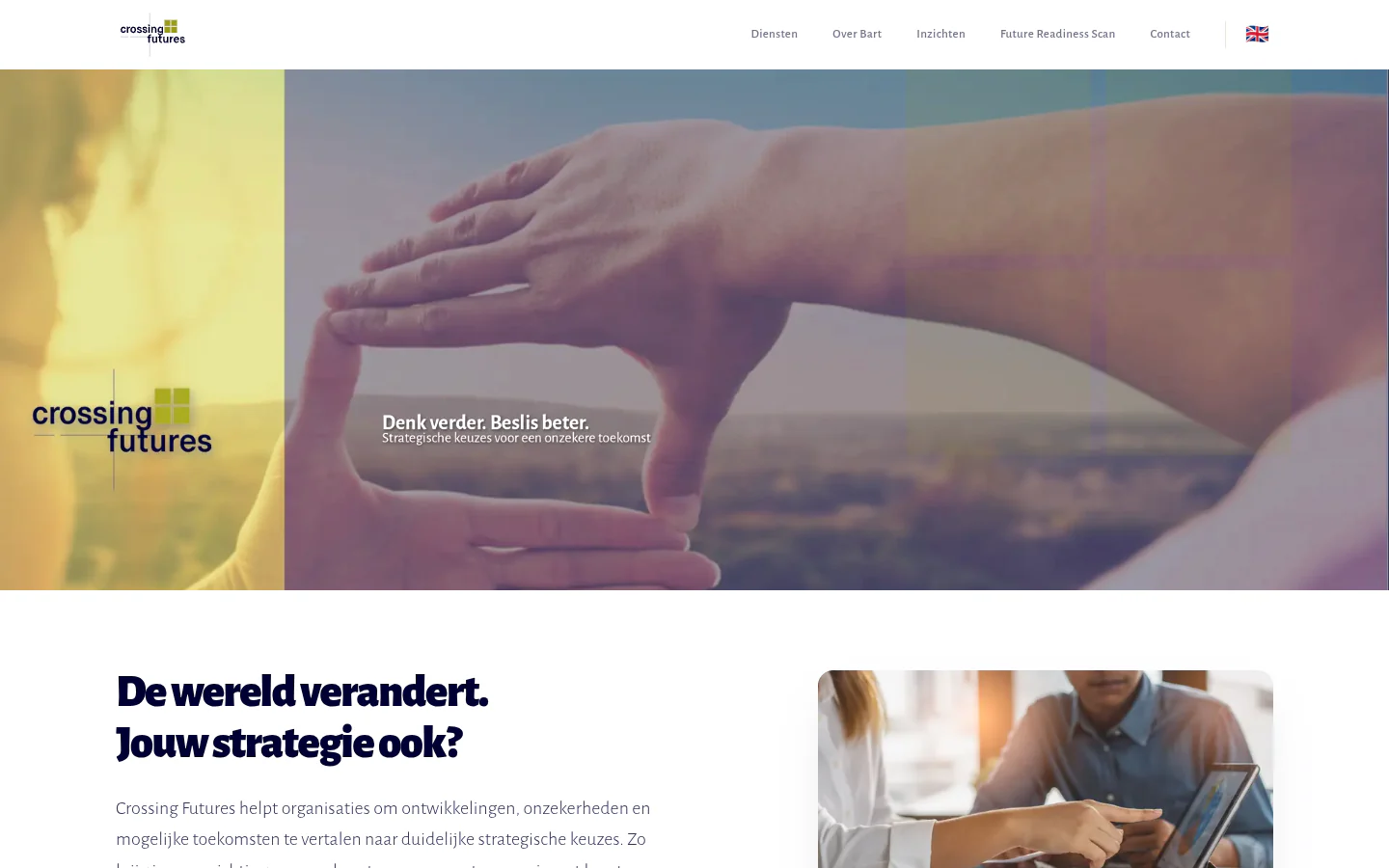
Crossing Futures helps small and mid-sized companies with strategy based on future scenarios. Bart Brouwer wanted a calm, clear site where he could publish articles himself. He got a bilingual site with five service pages and its own content editor: write articles in two languages, save drafts and publish, and show LinkedIn posts. The Future Readiness Scan on the site is an example of an add-on you can include.
Frequently asked questions
Do I need to be technical to publish articles?
No. I build the content editor so you can work without code. You type your text and put it online, without having to worry about the layout.
Can I publish articles in two languages?
Yes. Extra languages cost nothing extra with me, Business Plus included. At Crossing Futures, Bart can write his articles in Dutch and English in the same content editor.
I have a WordPress site now. Can I switch?
Yes. I make sure your old addresses redirect to the new pages, so visitors and Google find your new site straight away. Moving a large blog archive isn't included as standard. That's listed separately in your proposal.
Can I host the site with its content editor myself?
Yes. With Self-managed (€195 one-off) you get the complete code and I move the site to your own hosting. If the content editor uses external services, you take those out in your own name. After that, updates and backups are your responsibility.
You might also like
Business: business website
€1,495
A complete website of up to 8 pages, with SEO per page, structured data and Search Console. For businesses that want to be found for more than one service.
Learn moreNewsletter
€295
A newsletter on your own website: sign-up with confirmation, one-click unsubscribe and sending from your own site. GDPR-friendly by design.
Learn moreMembers' area or community
from €995
A private part of your website with accounts, roles, discussions and moderation. For networks, associations and training providers.
Learn moreShall we talk?
Book a free 30-minute call. Afterwards you'll know what it costs and how fast it can be done.